Setup a NASA EDGE Account
Register for an account using ORCiD
Navigate to the NASA EDGE platform by going to https://nasa-dev.edgebioinformatics.org/
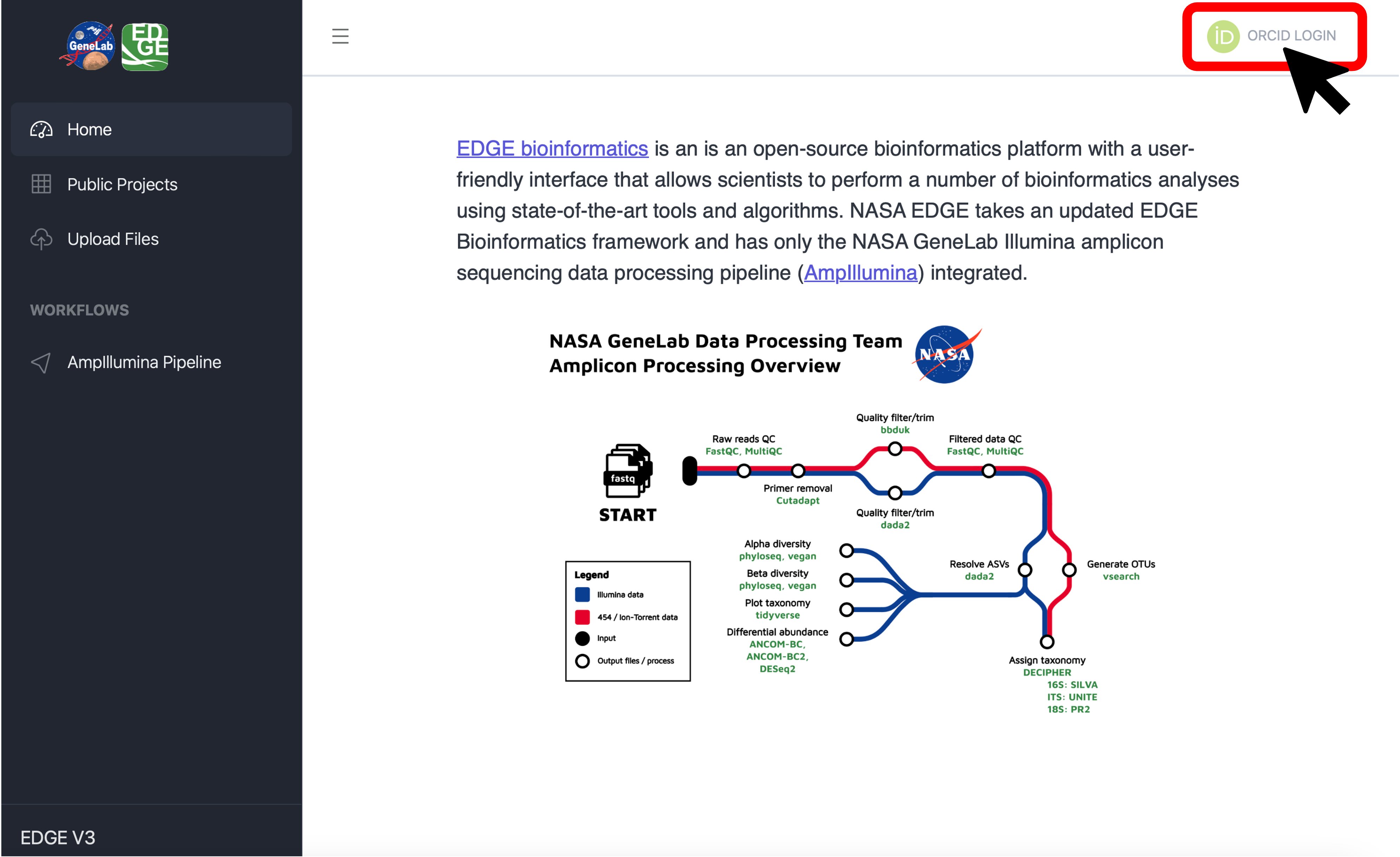
Click on “ORCID LOGIN” in the top right corner:
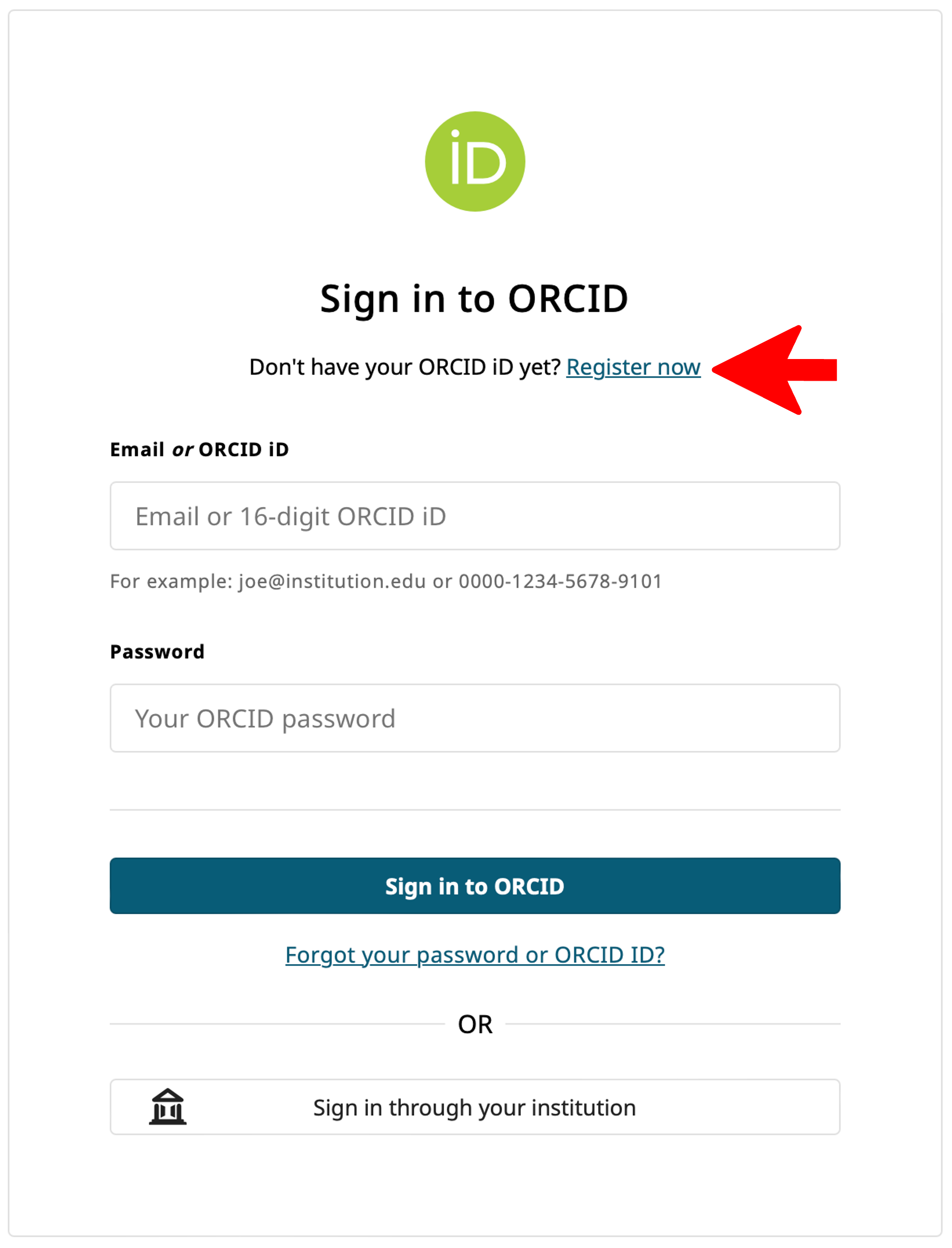
Log in to ORCiD using your registered credentials. If you do not have an ORCiD, click on “Register Now” and follow the instructions to set-up an ORCiD account:
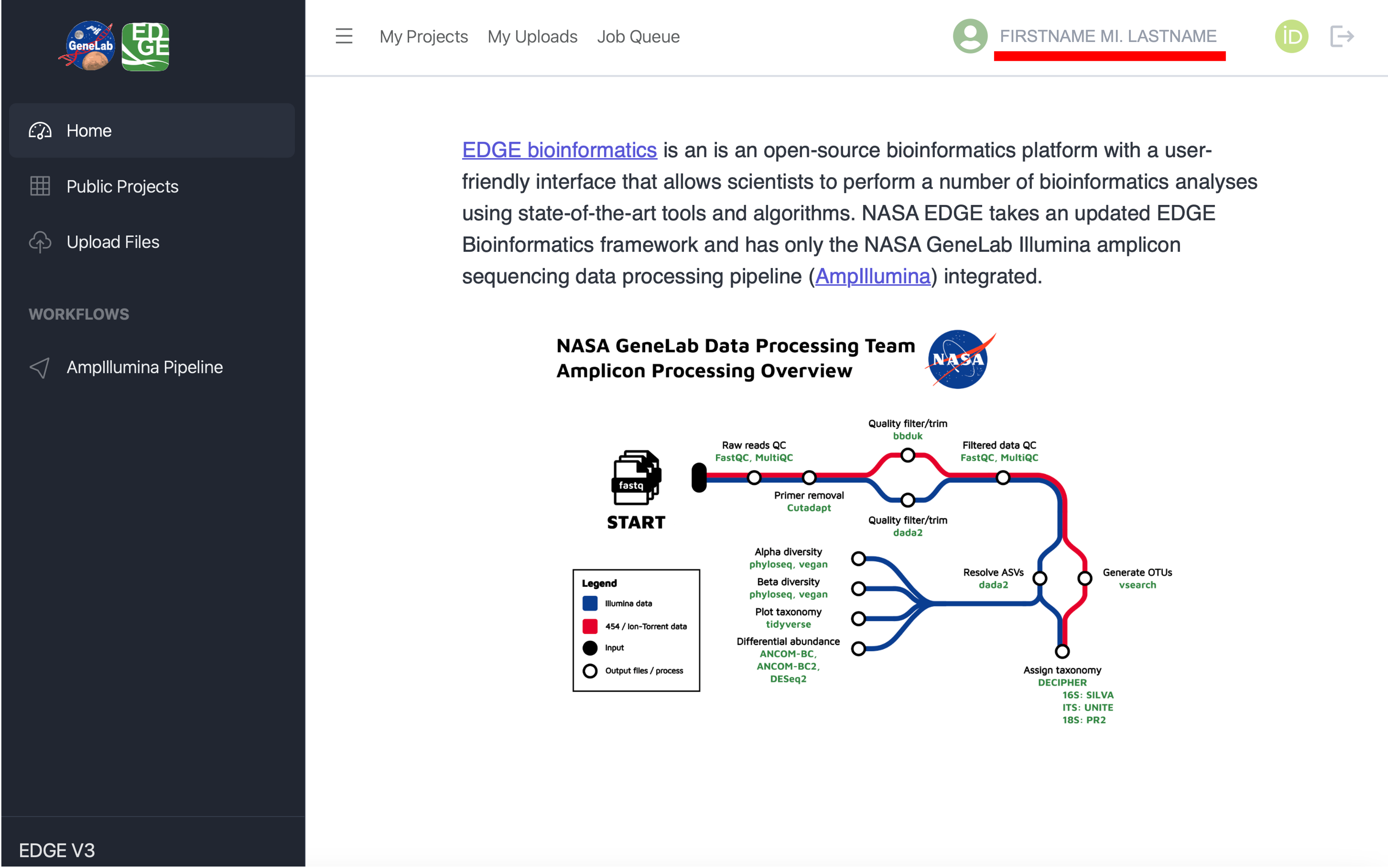
You will see your name in the top right corner when you are logged in:
You are now ready to either upload data files or select a GeneLab workflow to run on a dataset hosted on the Open Science Data Repository (OSDR).
Upload data
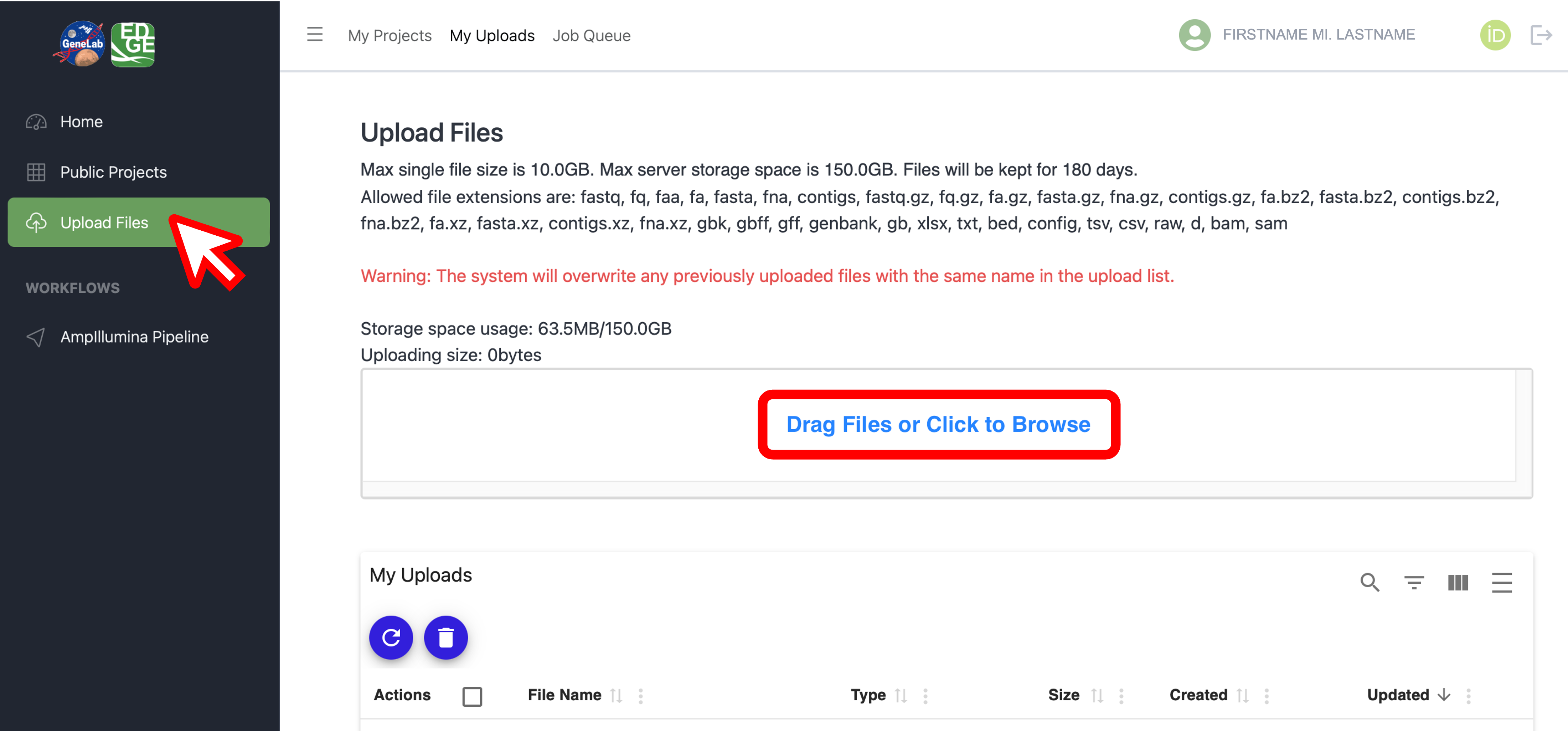
Upload your own data files to process through the GeneLab workflows by clicking on “Upload Files” in the left menu bar. This will open the page shown below, which allows you to drag and drop files or browse your computer for the data files you want to upload.
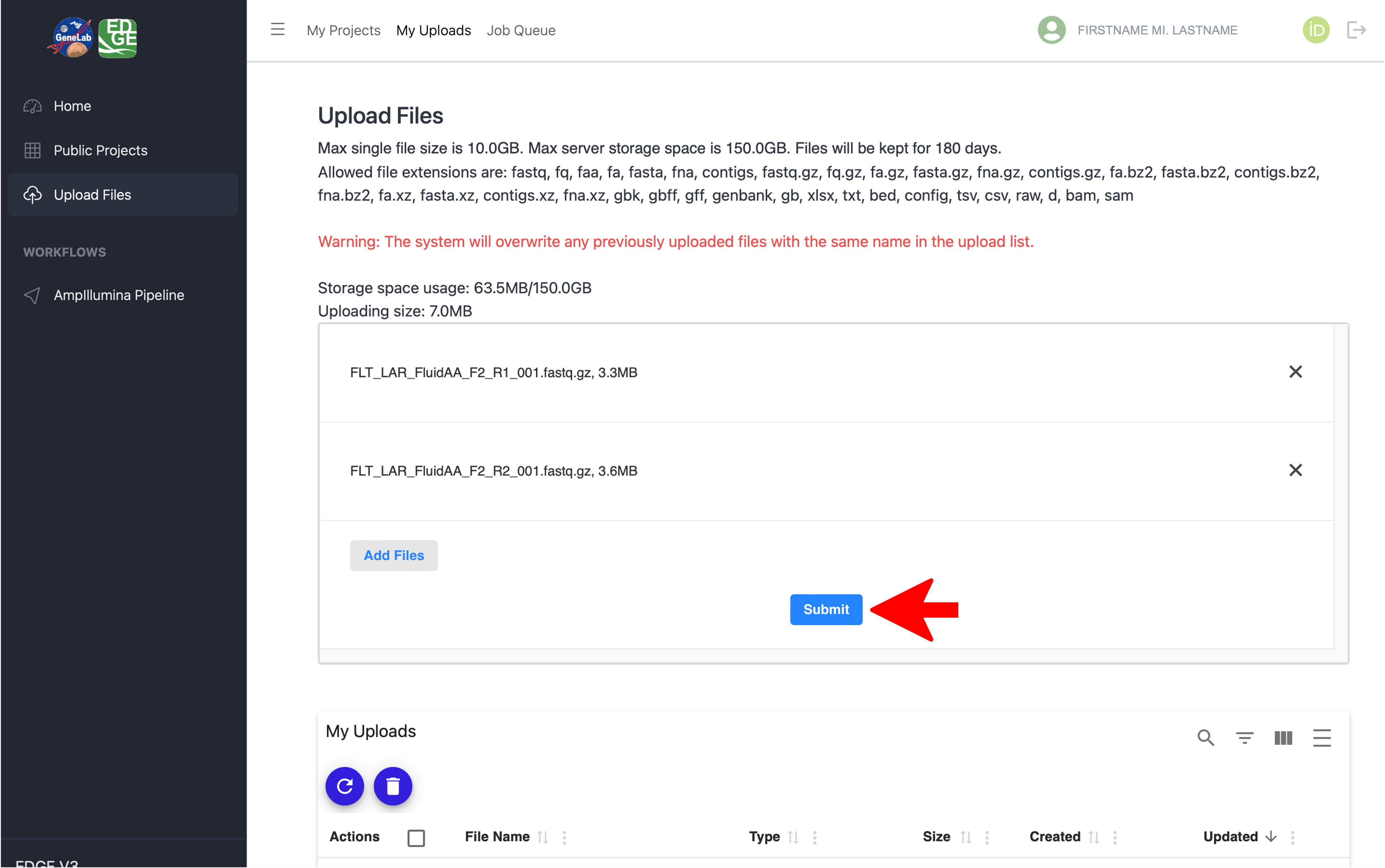
Once you select the files you want to upload, click the “Submit” button as shown below:
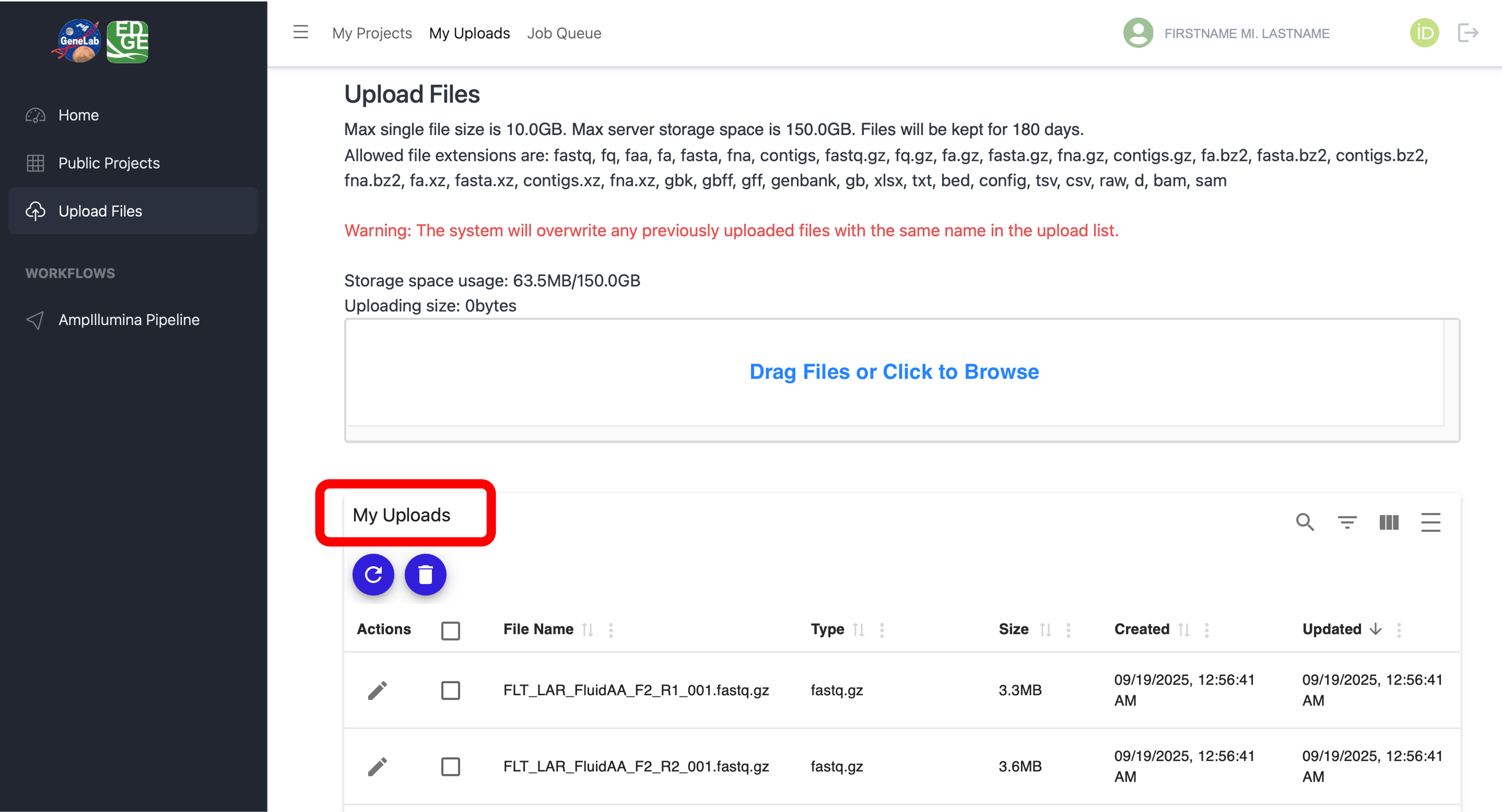
After you successfully upload your files, you will see them under “My Uploads” as shown below:
Your uploaded files are now available to process through the GeneLab workflows.